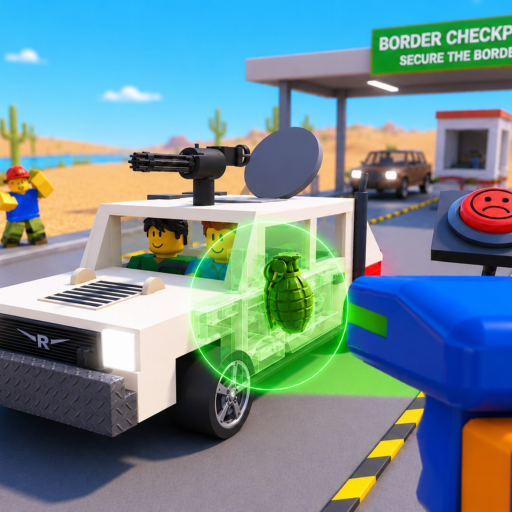
Featured gameplay context
Watch the gameplay video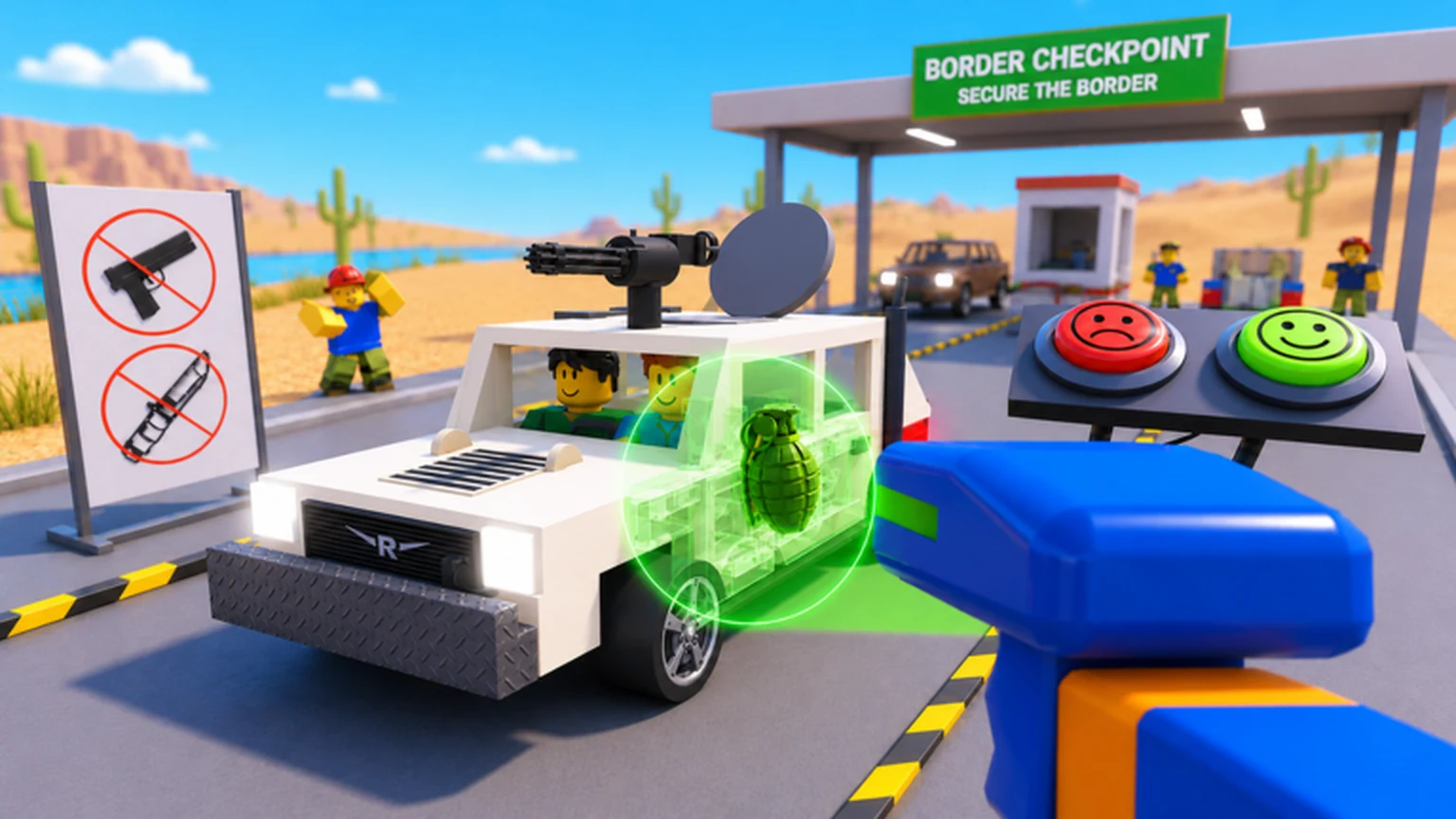
Secure the Border Wiki
Learn a careful checkpoint workflow for controls, documents, X-rays, trunks, and engines; compare settings and upgrades with live evidence; track Alpha changes; and plan cash purchases without invented prices, item names, or hidden rates.
Independent fan-made guide; Roblox and Woof Games+ are the official game sources.
Quick access for the next checkpoint shift
Checkpoint controlsMap the current interaction prompts on your PC, mobile, tablet, or console.Document checksCompare visible fields carefully without inventing a red-flag list.X-ray vehiclesSeparate a scan observation from a final item decision.Cash calculatorUse a live cost and protected reserve to plan whole purchases.
Current review trail
Latest inspection and Alpha coverage
Article reviewed Aug 2, 2026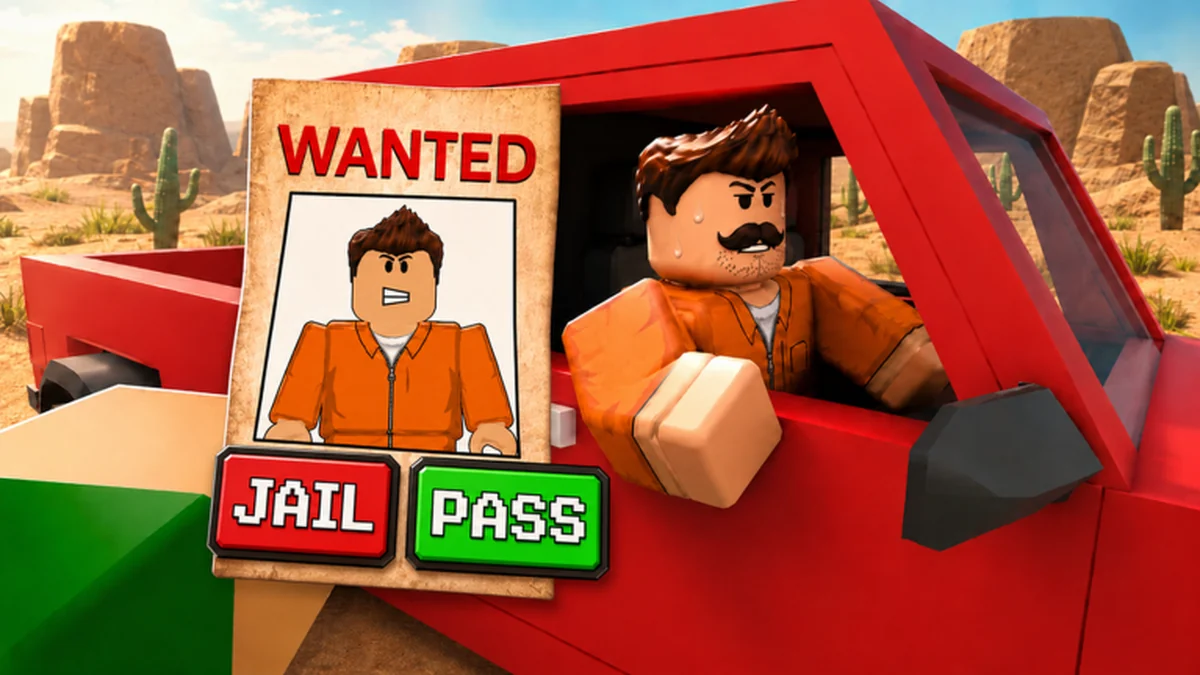 Alpha status hubCheck official status before trusting an old valueUse the exact Roblox place and developer group to review the current title, event panel, prompts, prices, and interface after a change.
Secure the Border Checkpoint Controls: Inspection WorkflowUse Secure the Border checkpoint controls to map live prompts, practice a repeatable vehicle inspection, and troubleshoot PC, mobile, tablet, or console inputs.Secure the Border Document Checking Guide: Safe WorkflowUse this Secure the Border document checking guide to compare visible driver details, separate vehicle evidence, and verify current red flags without guessing.Secure the Border Engine Search Guide: Inspection StepsUse this Secure the Border engine search guide to cover engines and trunks, log live findings, connect X-ray evidence, and avoid unsupported item claims.Secure the Border X Ray Vehicle Guide: Careful Scan StepsUse this Secure the Border X ray vehicle guide to run a careful scan, record current indicators, follow up with physical searches, and avoid false item IDs.Secure the Border Items List: Verified Search LocationsUse this Secure the Border items list method to record live illegal-item labels, confirmed vehicle search areas, scan evidence, and unresolved values safely.
Review dates mark the evidence snapshot. The live client remains the authority for changing controls, prices, effects, and item feedback.
First-shift route
From current prompts to a deliberate checkpoint decision
- Map the interaction promptsApproach each station on your current platform and record the action labels before traffic becomes demanding.
- Keep document evidence separateRead every visible field and game response before combining it with a vehicle observation.
- Search confirmed vehicle areasTreat X-ray, trunk, and engine results as separate observations rather than one automatic verdict.
- Protect cash before upgradingEnter the current price, balance, reserve, and target instead of copying an unsupported cost table.
Game and wiki introduction
A checkpoint guide grounded in visible evidence
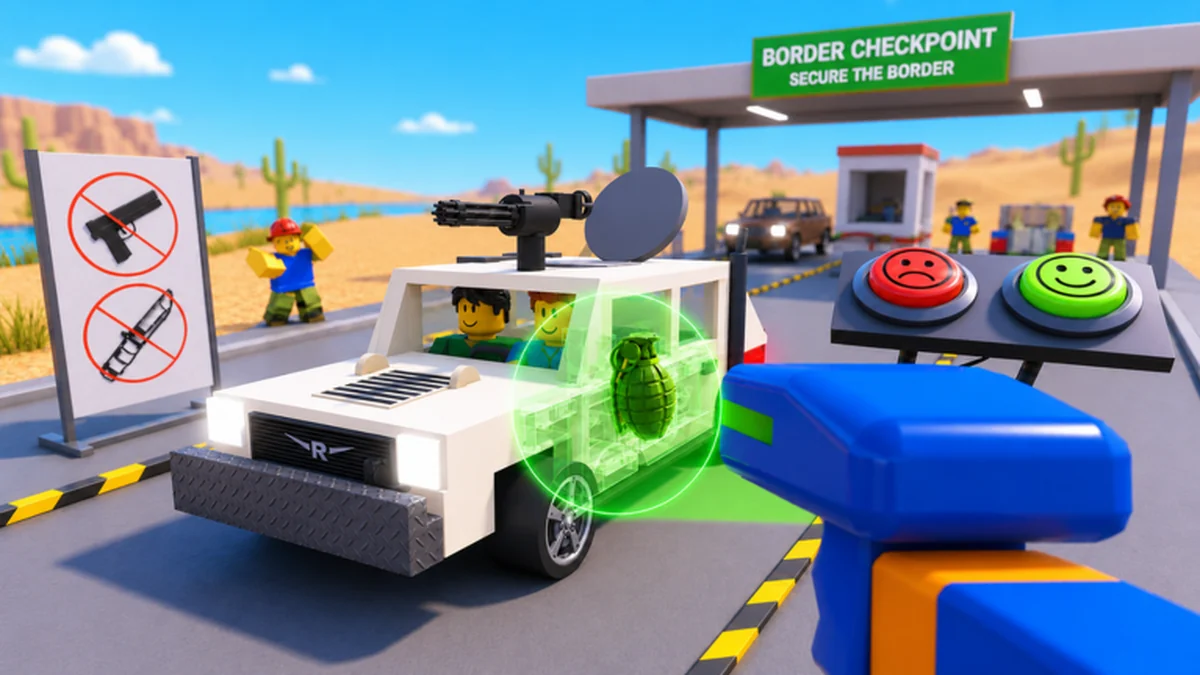
Secure the Border is a Roblox Simulation experience by Woof Games+.
Its official description confirms vehicle X-rays, physical searches, document checks, cash upgrades, bribes, smugglers, and raiders.
This wiki turns those facts into repeatable workflows while labeling missing controls, item lists, prices, and effects.
Check changing Alpha details in the current client before making a final decision.
RobloxOfficial platform
25Official listed server size
4Officially listed platform groups
Why use this independent wiki?
Find connected inspection routes, official links, update checks, and budget math without hiding where the current evidence cannot support an exact answer.
 Secure the Border
Common player searches
How a Secure the Border shift fits together
Observe the vehicle and driver, use the available inspection systems, compare independent findings, make the current client-supported decision, then turn earned cash into a measured upgrade choice.
Core checkpoint and progression loop
Treat each vehicle as a repeatable sequence so a missed prompt, unclear document, scan result, and purchase choice can be reviewed separately.
- 1Observe the arrivalIdentify the vehicle, driver information, visible prompts, and the next safe interaction without assuming guilt.
- 2Inspect with separate evidenceUse documents, X-rays, trunk searches, and engine searches as distinct observations.
- 3Follow current game feedbackUse the live interface to resolve the inspection because exact criteria are not fully published.
- 4Review cash and one bottleneckRecord the result, note the task that slowed you down, and compare a live upgrade against that problem.
Player-facing systems confirmed by the official page
Each card leads to a retained route that uses the confirmed system while exposing any missing list, value, or control.
Vehicle X-raysScan deliberately and verify current indicators before identifying an item.Trunk and engine searchesCover both physical areas and preserve their results separately.Driver documentsCompare visible fields without importing rules from another experience.Cash-funded upgradesUse live cost and effect text because the official catalog is not enumerated.
Decision systems supported by this wiki
Use connected guides to prevent one unknown field from turning into a confident but unsupported checkpoint verdict.
How do I make my first checkpoint shift understandable?
Map the live prompts first, then practice one evidence source at a time before traffic and difficulty increase.
How do I verify a vehicle without guessing?
Use the guide hub for the full workflow, then practice a physical vehicle search with independent observations.
Can I afford the current upgrade while keeping cash?
Use the live price, protect a reserve, and connect affordability to a checkpoint need.
Complete article library
Browse all guidesFeatured evidence-aware checkpoint guides
Explore published detail pages across guides, tips, and items. Cards are generated from real article metadata rather than homepage-only destinations.
2026-08-02
Secure the Border Checkpoint Controls: Inspection Workflow
Use Secure the Border checkpoint controls to map live prompts, practice a repeatable vehicle inspection, and troubleshoot PC, mobile, tablet, or console inputs.
2026-08-02Secure the Border Document Checking Guide: Safe Workflow
Use this Secure the Border document checking guide to compare visible driver details, separate vehicle evidence, and verify current red flags without guessing.
2026-08-02Secure the Border Engine Search Guide: Inspection Steps
Use this Secure the Border engine search guide to cover engines and trunks, log live findings, connect X-ray evidence, and avoid unsupported item claims.
2026-08-02Secure the Border X Ray Vehicle Guide: Careful Scan Steps
Use this Secure the Border X ray vehicle guide to run a careful scan, record current indicators, follow up with physical searches, and avoid false item IDs.
2026-08-02Secure the Border Items List: Verified Search Locations
Use this Secure the Border items list method to record live illegal-item labels, confirmed vehicle search areas, scan evidence, and unresolved values safely.
2026-08-02Secure the Border Best Settings: Stable Inspection Setup
Use Secure the Border best settings tests to improve prompt readability, document clarity, camera control, and input response on your supported platform.
2026-08-02Secure the Border Best Upgrades: Budget Without Guessing
Use Secure the Border best upgrades planning to compare live names, costs, effects, and checkpoint needs while protecting cash from unsupported rankings.
Quick answers
Secure the Border Wiki questions
Is this the official Secure the Border website?
No. This is an independent fan-made resource. The Roblox experience and Woof Games+ community are the official destinations for the game and developer announcements.
Where should a new player start?
Open the checkpoint-controls guide, record the current prompts on your device, and practice documents, X-rays, and physical searches as separate evidence steps.
Does the wiki have a complete illegal-item list?
No reliable complete catalog was available. The item guide shows confirmed search areas and a method for recording exact current client results.
What is the best upgrade?
The official evidence confirms upgrades exist but does not enumerate a complete catalog, prices, or effects. Compare live options against your measured bottleneck.
Does the cash calculator read my Roblox account?
No. It uses only the balance, cost, reserve, and target you enter in the browser. It cannot retrieve cash, purchases, or hidden game data.